Cursor vs Windsurf vs Cline: AI Code Editors Compared (2026)
The AI code editor market consolidated around three products in 2025 and 2026: Cursor, Windsurf, and Cline. This is a head-to-head comparison with pricing, model support, agent capabilities, and the migration patterns developers are actually using — each claim cited to a primary vendor source.
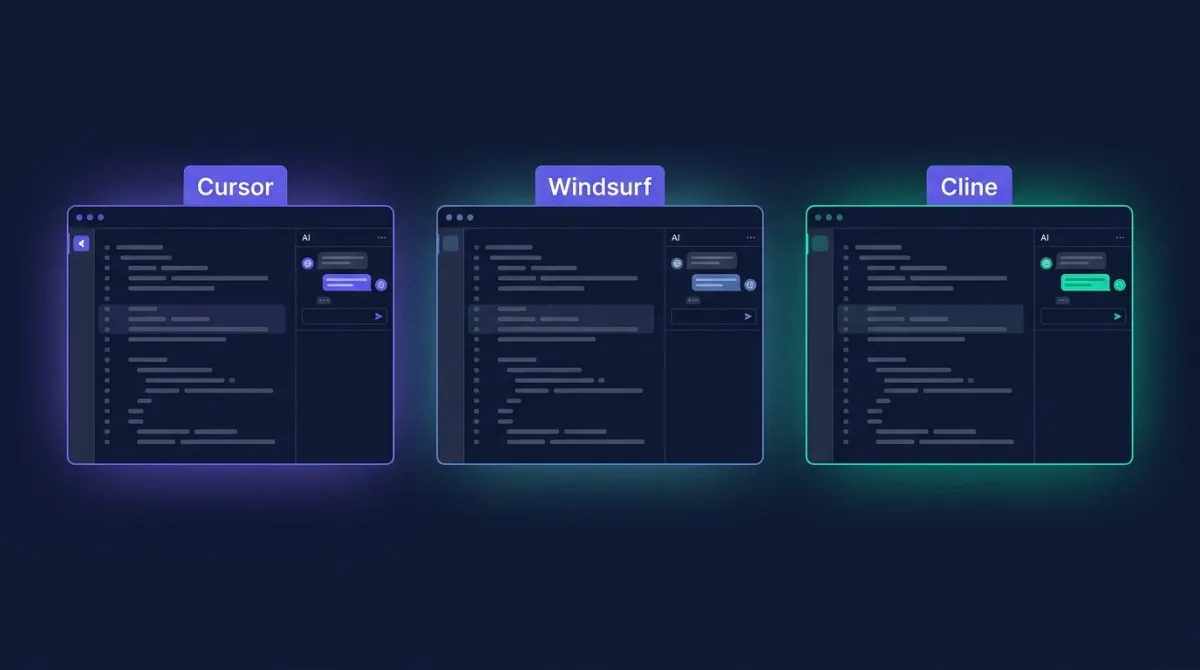
The Three Products in One Paragraph Each
Cursor is a fork of VS Code by Anysphere. It pioneered the integrated Tab-completion model and the multi-file Composer agent (renamed simply “Agent” in late 2025). According to the company, Cursor crossed $500M in annual recurring revenue in mid-2025 — see the company's own Series C announcement. Our pillar page on Cursor tracks each release.
Windsurf (originally Codeium) launched as a Cursor competitor in November 2024 and was acquired by Cognition in July 2025. It is also a VS Code fork. Its differentiator is the Cascade agent — the first mainstream agent to do background terminal commands and long-running autonomous flows. Official feature list: windsurf.com/editor. Our directory entry: Windsurf.
Cline is an open-source VS Code extension under the Apache 2.0 license. It runs inside vanilla VS Code or JetBrains IDEs and requires you to bring your own API key. Source and issue tracker: github.com/cline/cline. It crossed 1M installs on the VS Code Marketplace in Q2 2025.
Feature Comparison
Model Support: What Actually Runs Under the Hood
As of May 2026 the three editors expose roughly the same frontier models, but they handle them differently.
Cursor ships a model picker with Claude Sonnet 4.5, Claude Opus 4.5, GPT-5, GPT-5-mini, Gemini 2.5 Pro, and its own fine-tuned tab-completion model (“Cursor Tab”). The full supported list lives in the Cursor models documentation. Cursor abstracts billing — one flat subscription covers a quota of “fast requests” per model, with overflow into rate-limited “slow requests.”
Windsurf ships nearly the same model menu. Its key differentiator is the in-house SWE-1 family announced in mid-2025, which Windsurf uses for cheaper background tasks. The complete supported list is published at docs.windsurf.com. Windsurf prices each request in “credits” rather than dollars, which makes cross-model cost comparison harder than it should be.
Cline is provider-agnostic. It supports Anthropic, OpenAI, Google Vertex AI, Amazon Bedrock, OpenRouter, Together, DeepSeek, Mistral, Ollama (local), and LM Studio (local). The provider list in the Cline provider documentation covers configuration for each. Because Cline passes tokens through at cost, you pay exactly what the provider charges — no Cursor-style abstraction layer.
Pricing Comparison
Source: vendor pricing pages — Cursor at cursor.com/pricing and Windsurf at windsurf.com/pricing, verified May 2026. Cline incurs no subscription — only provider API costs.
Agent Modes: Where Workflows Actually Diverge
Tab completion and chat are commoditised across all three editors. The real product difference is the agent loop — how a multi-step task gets planned, executed, and reviewed.
- Cursor Agent is optimised for tight inline diffs. The agent proposes file edits, you accept or reject per hunk, and the loop continues. Background terminal commands are gated behind an explicit allow-list. Best when the task is contained within a known set of files.
- Windsurf Cascade defaults to an autonomous “Flow” mode where the agent decides on its own when to run commands, install dependencies, and edit files. It is the most aggressive of the three by default — strongest for “here is a feature, ship it” tasks, weakest when you want fine control.
- Cline Plan / Act explicitly splits the loop into two phases. In Plan mode the agent reads files and produces a written plan with no side effects. You review and edit the plan. Then you switch to Act mode and the agent executes step by step, asking approval before each file edit or terminal command. Most transparent, slowest in elapsed time.
MCP and Extension Ecosystems
The Model Context Protocol, published by Anthropic in late 2024, became the standard way to plug external tools into an AI editor. The full spec lives at modelcontextprotocol.io. All three editors are MCP clients in 2026, but the user experience differs:
- Cursor: edit a JSON config file at
~/.cursor/mcp.json. No marketplace. Detailed in the Cursor MCP docs. - Windsurf: graphical Plugin Store inside the editor with one-click install for the most popular servers.
- Cline: built-in MCP Marketplace with the widest selection — Cline itself can also build new MCP servers for you on request, which Cursor and Windsurf cannot.
Because Cursor and Windsurf are VS Code forks, they inherit the full VS Code extension marketplace. Cline runs inside VS Code, so the same is true. None of the three loses ESLint, GitLens, or your favourite themes.
Decision Matrix by Use Case
Migration Patterns Developers Are Actually Using
Three migration patterns dominated the 2025-2026 cycle.
1. Cursor → Cline for cost. Heavy Cursor users on the Pro plan who routinely hit the fast-request quota discovered that paying for tokens directly via Cline (using DeepSeek V3 or Claude Haiku 4.5) cost less per month than $20 of Cursor. This pattern flipped for very heavy users, where Cursor Ultra at $200 with a 20× quota is cheaper than the equivalent in direct tokens.
2. Cursor → Windsurf for autonomy. Developers wanting hands-off long-running tasks (test suite migrations, dependency upgrades) shifted to Windsurf because Cascade ships better defaults for autonomous flows. The Cognition acquisition in July 2025 — announced in the Cognition acquisition announcement — gave Windsurf the Devin engineering team behind it, which accelerated agent improvements in late 2025.
3. Anyone → Cline for review. Senior engineers and team leads use Cline specifically because Plan/Act forces a human-in-the-loop. They keep Cursor or Windsurf as their daily driver but reach for Cline when the task is high-stakes — touching auth, billing, migrations.
Limitations We Hit
Cursor's slow-request queue gets painful around the 25th of the month for Pro users on big repos — minutes of latency per request once the fast quota is exhausted. Windsurf's credit-based pricing makes it hard to predict your monthly bill until you have a few months of data. Cline's open-source nature shows up in rougher edges — UI inconsistencies between VS Code and JetBrains, occasional model-provider regressions when a new model ships, and no built-in team billing.
None of these are dealbreakers, but they shape who picks what.
The Bottom Line
If you want the polished default that “just works”, pick Cursor. If you want a cheaper Cursor with a stronger autonomous agent, pick Windsurf. If you want full transparency, BYO-key cost control, and the option to run local models, pick Cline. The good news in 2026 is that all three converged on the same core feature set — there is no wrong answer, only the answer that fits your workflow and billing preference.
To pair an AI editor with the right LLM, see our Claude and ChatGPT pillar pages — both are first-class models inside all three editors. To stay current on AI engineering job trends and salary bands for the developers using these tools, Skills Thicket publishes a monthly skills index.
Compare All Three on ToolPilot
See pricing, features, and category placement for Cursor, Windsurf, and 40+ other AI developer tools in our directory.
Cursor profile →Windsurf profile →Frequently Asked Questions
Which AI code editor is cheapest in 2026?
Cline is the cheapest by a wide margin because it is a free, open-source VS Code extension you bring your own API key to — your only cost is provider tokens. Windsurf's paid tier starts at $15/month per user (Pro plan) and Cursor's paid tier starts at $20/month per user (Pro plan). For a heavy user who would otherwise burn $40+/month in tokens via Cline, Cursor or Windsurf usually come out ahead because their flat fee covers premium model requests up to a quota.
Does Cursor, Windsurf, or Cline support Claude Sonnet 4.5?
All three support Claude Sonnet 4.5. Cursor lists it as a 'frontier' model in its model picker. Windsurf includes it in every paid plan. Cline routes to it via direct Anthropic API, Amazon Bedrock, Google Vertex AI, or OpenRouter — whichever provider you configure.
Which editor has the best agent mode?
It depends on the workflow. Cursor's Composer (now 'Agent') is the most polished for multi-file edits inside a single repository and ships the strongest inline diff UX. Windsurf's Cascade was the first agent to do background terminal commands and remains the leader for long-running autonomous tasks. Cline's Plan/Act mode gives the most visibility into what the agent intends to do before it touches your files, which experienced engineers tend to prefer.
Can I use Cursor, Windsurf, or Cline with MCP servers?
Yes — all three are MCP clients. Cursor added MCP support in version 0.45 (early 2025). Windsurf added MCP via its Plugin Store. Cline has been an MCP client since the spec was published and ships an MCP Marketplace inside the extension for one-click server installs.
Should I migrate from Cursor to Windsurf or Cline?
Migrate to Windsurf if you want a similar Cursor-style fork with a slightly lower price and stronger long-running agent. Migrate to Cline if you want full transparency, BYO-key cost control, and you don't mind staying inside vanilla VS Code. If you're already happy with Cursor's Composer and Tab completion, there is no strong reason to switch — all three converged on the same feature set in 2025-2026.